
Examine learning evidence before planning programmes and support
PugID analyses Training & Development / Learning & Development documents kept in Google Drive or SharePoint. A team member picks a question specific to L&D. PugID identifies the relevant files. It delivers a structured result based on those documents. The L&D team then compares the result against approved learning, HR, credential, finance and compliance records before applying it to an action or decision.
When the learning picture is scattered across documents
An L&D review may rely on completion exports, course catalogues, learning-path plans, role and skills frameworks, certification lists, evaluation reports, onboarding curricula, budget documents, vendor updates and programme notes. The task is not merely finding a document. A reviewer also must determine the learner population, course or programme, reporting period, source owner, version, completion rule, status, due date, confidentiality and approval state.
PugID operates at that document layer. It uses a selected L&D question to locate relevant material in connected Google Drive or SharePoint folders and produce a structured result. It does not take the place of a learning management system, learning experience platform, HRIS, skills platform, credential registry, finance system, compliance register, performance-management process, survey platform or live business intelligence. Official enrolments, completions, certifications, employee records, spend, approvals and decisions stay in governed systems and with accountable professionals.
Pick the L&D question you need to review
The supplied catalogue contains targeted questions for mandatory training, learning paths, skills gaps, certifications, feedback, content gaps, onboarding and mentorship.
Mandatory Training Status
Summarize completion status by course and department.
Learning Paths
Summarize learning paths and enrollment.
Skills Gap Analysis
Summarize skills gaps vs role requirements.
Certification Tracker
Summarize certification expirations and renewals.
Course Feedback
Summarize training feedback and NPS.
Content Library Gaps
Identify missing content by role/skill.
Onboarding Curriculum
Summarize onboarding course completion and gaps.
Mentorship Program
Summarize mentorship matches and feedback.
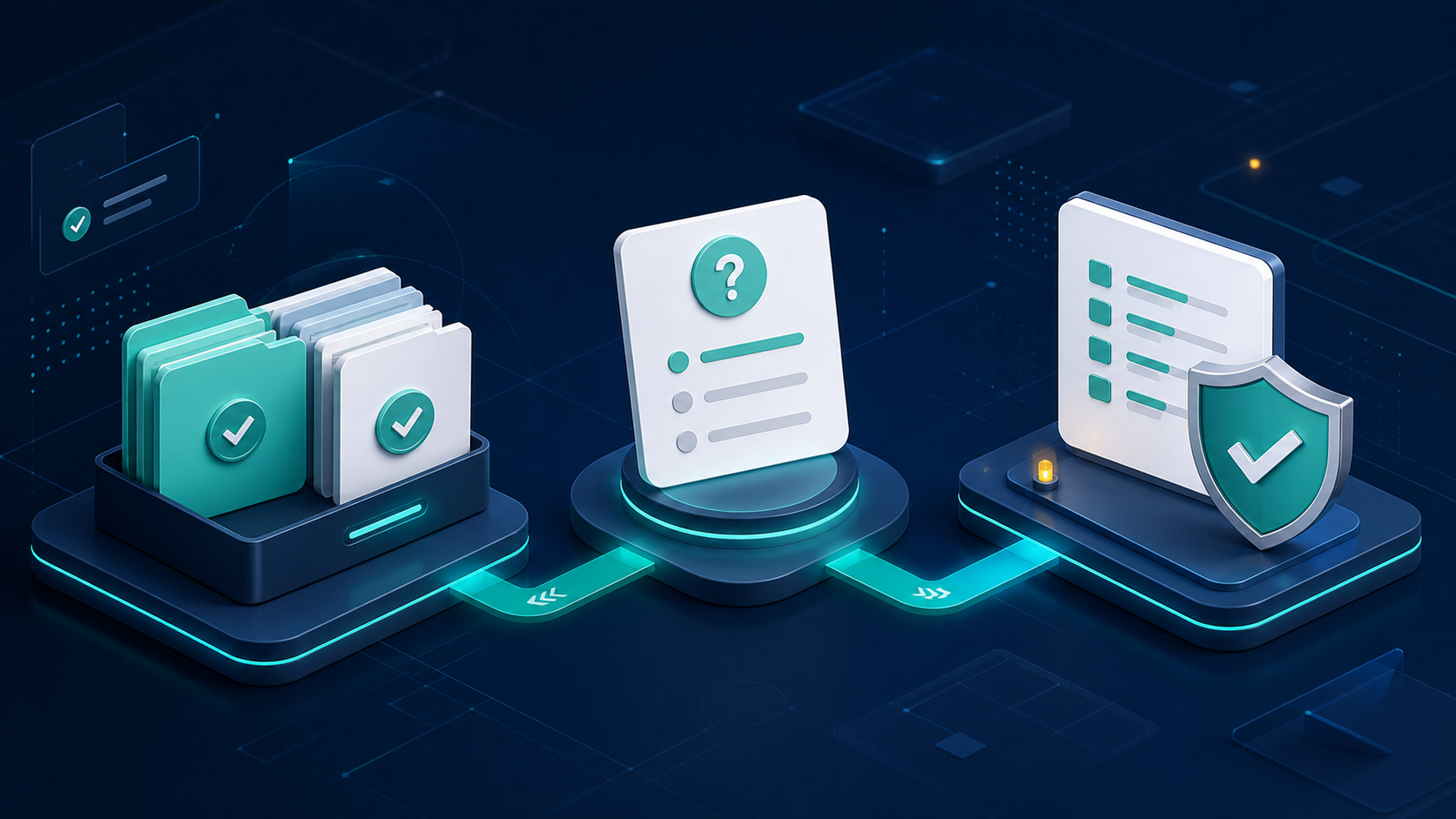
Go from folders to a reviewable result
Link approved folders.
Connect only the Google Drive or SharePoint locations that hold the L&D documents relevant to the bounded review.
Pick one L&D question.
Select the prompt that aligns with the learner population, programme, reporting period and approved source set.
Review the structured result.
Compare it with authoritative LMS, HRIS, credential, finance, compliance, performance and survey records; settle conflicts and secure accountable approval before use.
Retain learner outcomes and people decisions in human hands
PugID can organise information contained in documents. It does not confirm that a learner attended, completed, passed, retained knowledge, changed behaviour or improved performance. It does not award or renew a credential, determine eligibility, assign a performance rating, recommend promotion or dismissal, diagnose a learning need, approve an accommodation or reach an employment decision.
A clean completion table may still conceal a missing cohort, a changed completion rule or an expired source. Inspect the governed record, the programme definition and the accountable learning, HR or compliance owner before taking action. Treat catalogue prompts that reference ROI, impact, NPS, proficiency or career progression as review questions, not as proof that PugID measures causation or validates those outcomes.
Establish the learning population before testing
Note the learner population, organisational unit, role, programme, course version, delivery mode, reporting period, completion rule, assessment basis, source owner, status, due date, approval and acceptance criteria prior to a trial. Suggested measures include source coverage, conflicts surfaced, reviewer acceptance, follow-up effort and actions assigned. These are not promises regarding learning effectiveness, compliance, certification, workforce performance or return on investment.
Learning records may include names, identifiers, employment data, assessment results, feedback, manager comments, career interests, disability or accommodation information and other sensitive personal data. Verify need-to-know access, data minimisation, employee privacy, accessibility, equal-opportunity controls, works-council or union obligations, contractual limits, retention and legal-hold requirements prior to connecting folders. Never include passwords, API keys, tokens or other secrets.
Examine PugID data-handling statements
PugID states that connections are encrypted, credentials are not stored, and documents and results are not retained permanently. It also states that temporary analysis data is automatically deleted after eight hours. Regard these as first-party statements and verify current contractual, technical, privacy and security details during the evaluation.
Run one bounded learning review
Start with a controlled task such as a mandatory-training status review, certification-expiry summary or onboarding curriculum gap check. Connect approved folders, define the population and authoritative sources, compare the result against governed systems and log every exception before expanding the evaluation.