
Assess quality evidence before a release, audit or corrective action
PugID analyses Quality Assurance documents kept in Google Drive or SharePoint. A team member selects a Quality Assurance-specific question. PugID locates the relevant files. It returns a structured result drawn from those documents. The QA team then verifies the result against approved source records and governed quality systems prior to using it in a decision.
Prepare a quality review while retaining the control trail
A release, audit or corrective-action review may hinge on defect logs, nonconformance records, inspection results, test evidence, CAPA files, complaints, supplier reports, calibration records, training evidence, specifications, procedures and approvals. Reviewers still need to determine the product, process, version, build or lot, site, period, test method, environment, sample, unit, acceptance criterion, document version, owner, status and approval authority prior to relying on a conclusion.
PugID operates at that document layer. It applies a selected Quality Assurance question to identify pertinent material in connected Google Drive or SharePoint folders and produce a structured result. It does not replace a quality management system, test or defect tracker, release workflow, laboratory or manufacturing system, calibration register, CAPA, audit, training or document-control system, ERP, regulatory submission process or live business intelligence. Official quality records, test results, defect states, release decisions and approvals stay in governed systems and with accountable professionals.

Select the QA question that fits the review
The supplied catalogue contains targeted questions for defects, nonconformance, audits, corrective actions, suppliers, calibration, complaints and document control.
Defect Rates
Summarize defect rates by product/process.
Nonconformance Log
Summarize NCs, root causes, and actions.
Audit Findings
Summarize internal/external audit findings and status.
CAPA Tracker
Summarize corrective/preventive actions, owners, and due dates.
Supplier Quality
Summarize supplier PPM and escapes.
Calibration Status
Summarize equipment calibration due/overdue.
Customer Complaints
Summarize complaints and recurring defects.
Document Control
Summarize document revisions and approvals.
Progress from a request to a reviewable result
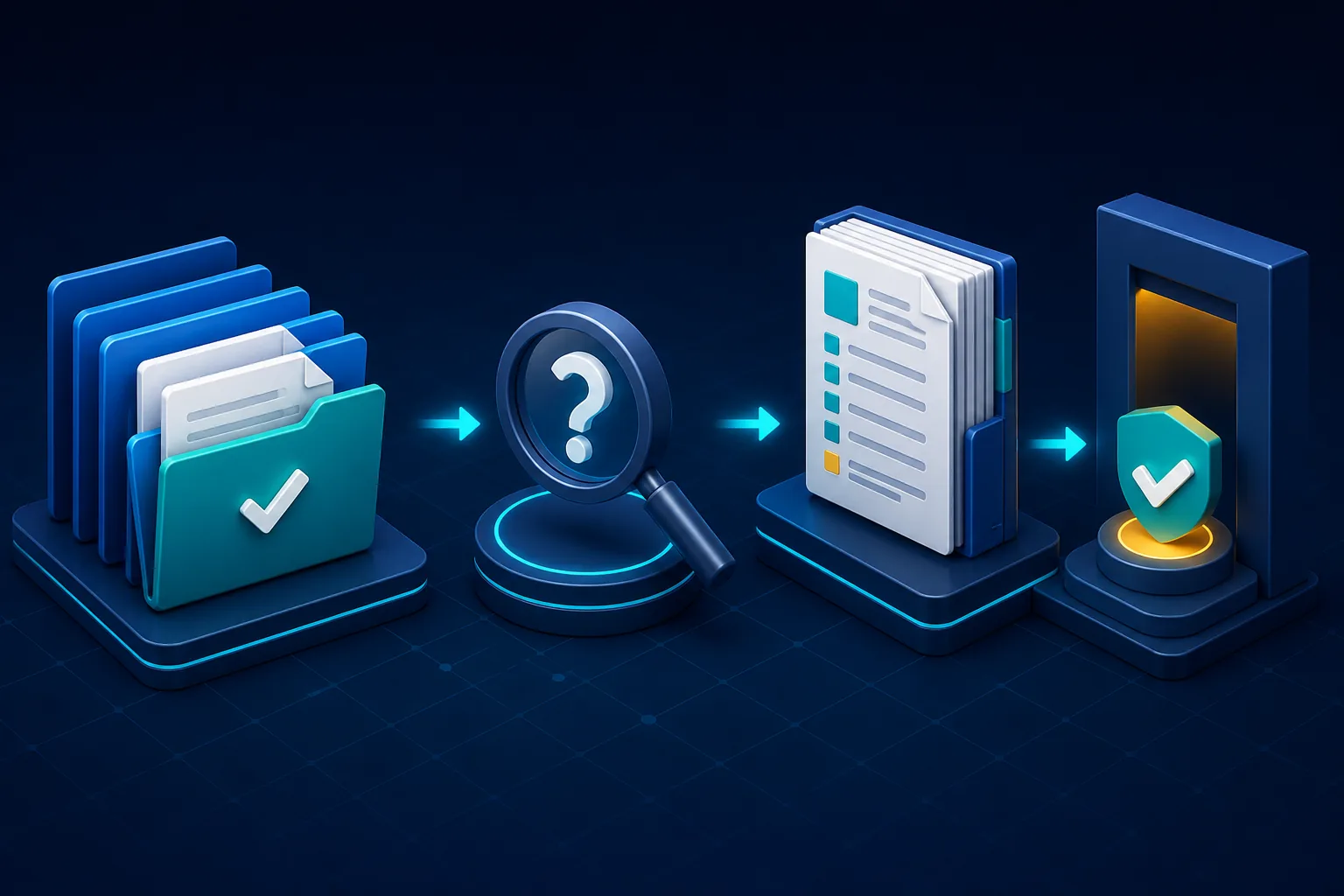
Connect approved folders.
Link the Google Drive or SharePoint locations holding the Quality Assurance documents pertinent to the review.
Pick one Quality Assurance question.
Select the prompt that corresponds to the product, process, version, site, period and approved source set.
Examine the structured result.
Compare it against authoritative quality, test, defect, calibration, supplier, audit, CAPA, training, release and document-control records; settle conflicts and secure accountable approval prior to use.
Contrast the working pattern before and after PugID
| Review stage | Before | With PugID in the review |
|---|---|---|
| Starting point | A request comes in with a product, process or time window that might be incomplete. | The team sets scope, approved folders, authoritative systems and acceptance criteria up front. |
| Search | Reviewers open many files and trace versions, owners and approvals manually. | PugID finds files relevant to the selected QA question; reviewers verify coverage and provenance. |
| Analysis | Metrics, findings and actions are pulled into a working summary. | PugID delivers a structured result; reviewers reconcile units, methods, samples, versions, statuses and conflicts. |
| Decision | The summary could be mistaken for the official record. | The result stays a review aid. Accountable owners decide, approve and log the outcome in governed systems. |
Define the acceptance criteria before testing
A controlled trial can assess retrieval effort, document coverage, conflicting values surfaced, reviewer acceptance and actions assigned. Document the product, process, version, build or lot, site, reporting period, test environment, method, specification, acceptance threshold, sample, units, source owners, document versions, status definitions, approval authority and evidence requirements prior to testing. These are suggested evaluation measures, not promised quality, compliance, release, safety or financial outcomes.
A tidy result can still hide a broken trace. If documents combine products, versions, builds, lots, sites, units, samples, methods, specifications, statuses or approval dates, stop and examine the governing record rather than merging them into one apparent answer. PugID does not execute a test or inspection, validate a process, determine conformity, assign an official defect severity or risk, approve or reject a release, close a CAPA, sign off evidence, issue an audit opinion or certificate, or provide legal, regulatory, quality-engineering or safety advice.
Keep sensitive evidence and data handling within scope
PugID states that connections are encrypted, credentials are not stored, and documents and results are not kept permanently. It further states that temporary analysis data is removed automatically after eight hours.
Defects, failures, vulnerabilities, complaints, supplier performance, audit findings, nonconformance, employee training, regulated-product evidence and proprietary designs may be confidential, personal or commercially sensitive. Prior to connecting them, verify need-to-know access, classification, privacy, contractual limits, quality or regulatory controls, processing terms, legal review and retention requirements. Employ approved, minimised test data. Do not include passwords, API keys, private keys, tokens or other secrets.
Pilot one bounded quality review
Start with one controlled task such as an open-CAPA summary, calibration-due review or audit-findings status check. Connect only approved folders, establish the authoritative records and acceptance criteria, compare the structured result against governed systems and log every exception prior to expanding the evaluation.