
Assess cybersecurity evidence, risks and control gaps with clear boundaries
PugID analyses Information Security / Cybersecurity documents stored in Google Drive or SharePoint. A team member selects a security-specific question. PugID locates the relevant files and returns a structured result drawn from those documents. The security team can then check the result against source files and governed vulnerability, security-information-and-event-management, identity, asset, risk or compliance systems before using it in a review or decision.
Examine the documents behind security decisions
A security review can rely on vulnerability exports, incident reports, patch summaries, access-review evidence, policy and control mappings, penetration-test findings, recovery-test reports, supplier questionnaires and exception registers. When those documents reside in different folders, reviewers must first determine the asset, environment, reporting period, severity, owner, status and approved version.
PugID operates at that document layer. It applies a chosen security question to identify relevant material in connected Google Drive or SharePoint folders and return a structured result. It is not a replacement for vulnerability management, SIEM, SOAR, endpoint detection, identity, asset, governance-risk-and-compliance, data-loss-prevention, backup, ticketing or live business-intelligence systems. Current telemetry, alerts, identities, assets, findings, exceptions and authorised records stay in governed systems.

Select the security question you need to review
The supplied catalogue contains targeted questions for vulnerabilities, incidents, patches, access, controls, supplier risk and resilience.
Vulnerability Summary
Summarize vulnerabilities by severity and SLA breach.
Incident Response Log
Summarize incidents, root causes, and lessons learned.
Patch Compliance (Sec)
Summarize patch status on critical systems.
Access Anomalies
Summarize anomalous access events and follow-ups.
Policy Compliance (Sec)
Check policy documents vs ISO/NIST controls.
Third-Party Risk (Sec)
Summarize vendor security questionnaires and gaps.
Pen Test Findings
Summarize penetration test findings and fixes.
Breach Readiness
Summarize tabletop exercises and gaps.
Proceed from approved folders to a reviewable result
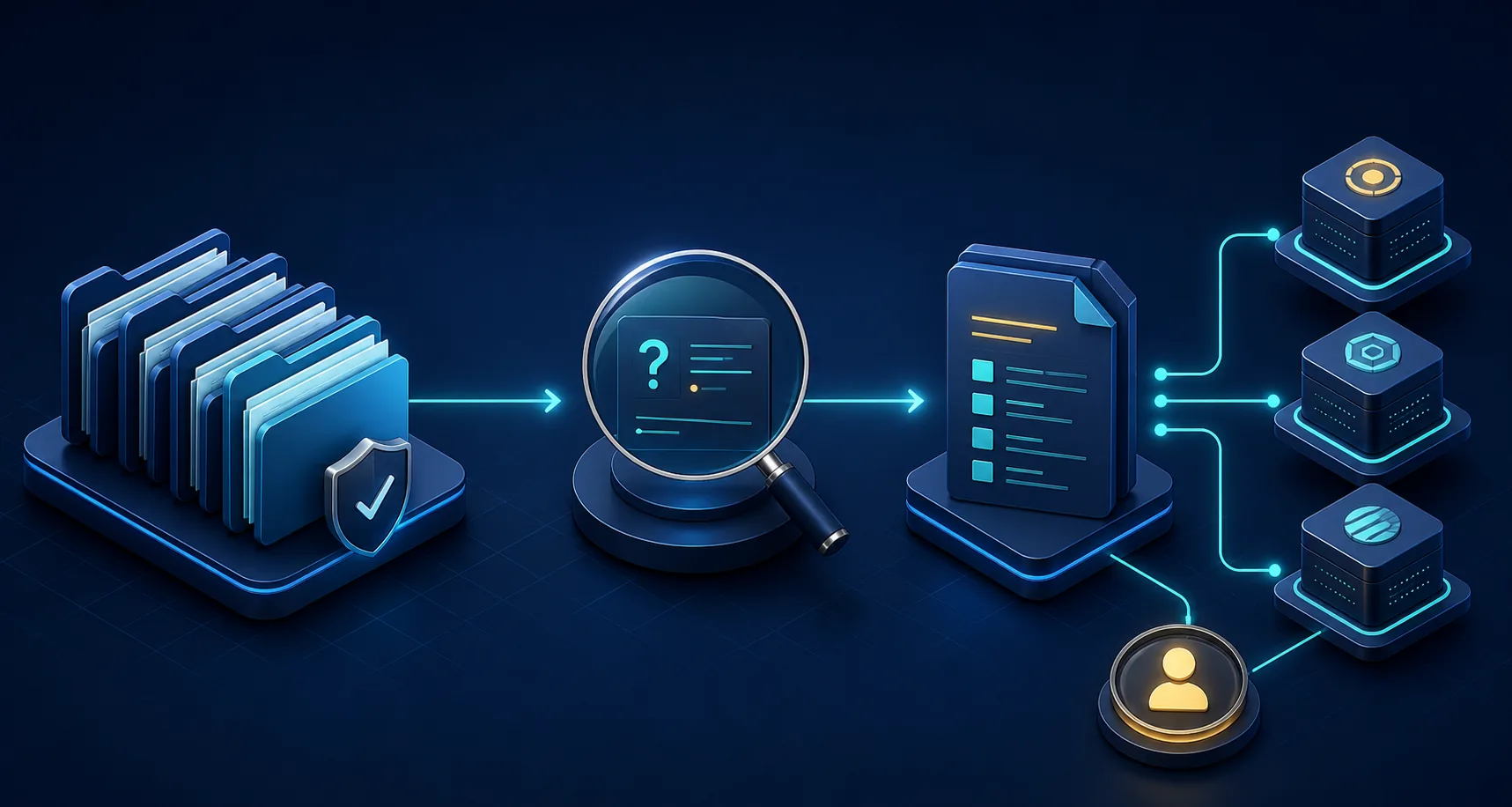
Connect approved folders.
Link solely the Google Drive or SharePoint locations holding documents authorised for the security review.
Pick one security question.
Select the prompt that matches the asset or control scope, environment, reporting period and review task.
Examine the structured result.
Check it against source documents and governed security systems, settle conflicts and obtain the required security, risk, legal, privacy or control-owner review before use.
Maintain source authority and live security state in view
Document analysis can aid a review, but a document may already be outdated when vulnerabilities, alerts, identities, assets, patches or incidents change. Log the asset or control scope, environment, time window, extraction date, source owner and acceptance criteria. Verify material findings in the authoritative security system before acting.
PugID does not scan assets, monitor networks, detect attacks, block access, deploy patches, close incidents, validate controls, certify compliance or calculate authoritative risk ratings. If documents conflict, examine their scope, owners, timestamps and approval status. Do not regard a concise result as proof that the environment is secure or compliant.
Keep sensitive evidence and data handling within scope
PugID states that connections are encrypted, credentials are not stored, and documents and results are not kept permanently. It also notes that temporary analysis data is automatically deleted after eight hours.
Security documents can expose vulnerabilities, attack paths, identities, privileged access, network details, security architecture or incident information. Before connecting them, verify need-to-know access, classification, retention, contractual terms, incident-handling rules, processing details and internal policies. Employ approved, minimised test data. Do not put passwords, API keys, private keys, tokens or other secrets in connected documents.
Run one bounded security review
Start with a controlled task such as a closed incident lessons-learned review, a sanitised supplier questionnaire summary or a patch-status document review. Connect solely approved folders, define the asset or control scope and date range, compare the result against governed systems and record exceptions before extending the evaluation.