
Review sustainability and ESG evidence before reporting metrics and disclosures
PugID examines Sustainability / ESG documents held in Google Drive or SharePoint. A team member selects a Sustainability / ESG-specific question. PugID finds the relevant files. It delivers a structured outcome derived from those documents. The team then validates the outcome against approved source records and governed systems before applying it in a metric, disclosure or decision.
Consolidate ESG evidence into one controlled review
A sustainability or ESG review may rely on emissions workbooks, utility statements, waste and water reports, supplier questionnaires, policy registers, project updates, diversity summaries, governance records and assurance evidence. Before a figure is reused, the reviewer must confirm the entity, reporting boundary, period, unit, methodology, factor, source owner, version, assurance status and publication state.
PugID operates at that document layer. It uses the selected Sustainability / ESG question to locate relevant material in linked Google Drive or SharePoint folders and deliver a structured result. It does not replace ESG reporting platforms, carbon-accounting tools, energy or utility systems, finance and ERP, procurement, HR systems, supplier databases, assurance workflows, disclosure management, filing systems or live business intelligence. Official metrics, claims, disclosures, approvals and filings stay in governed systems and with accountable professionals.
Select the Sustainability / ESG question you need to review
The supplied catalogue contains targeted questions for metrics, emissions, frameworks, material topics, suppliers, evidence and climate risk.
Move from folders to a reviewable result
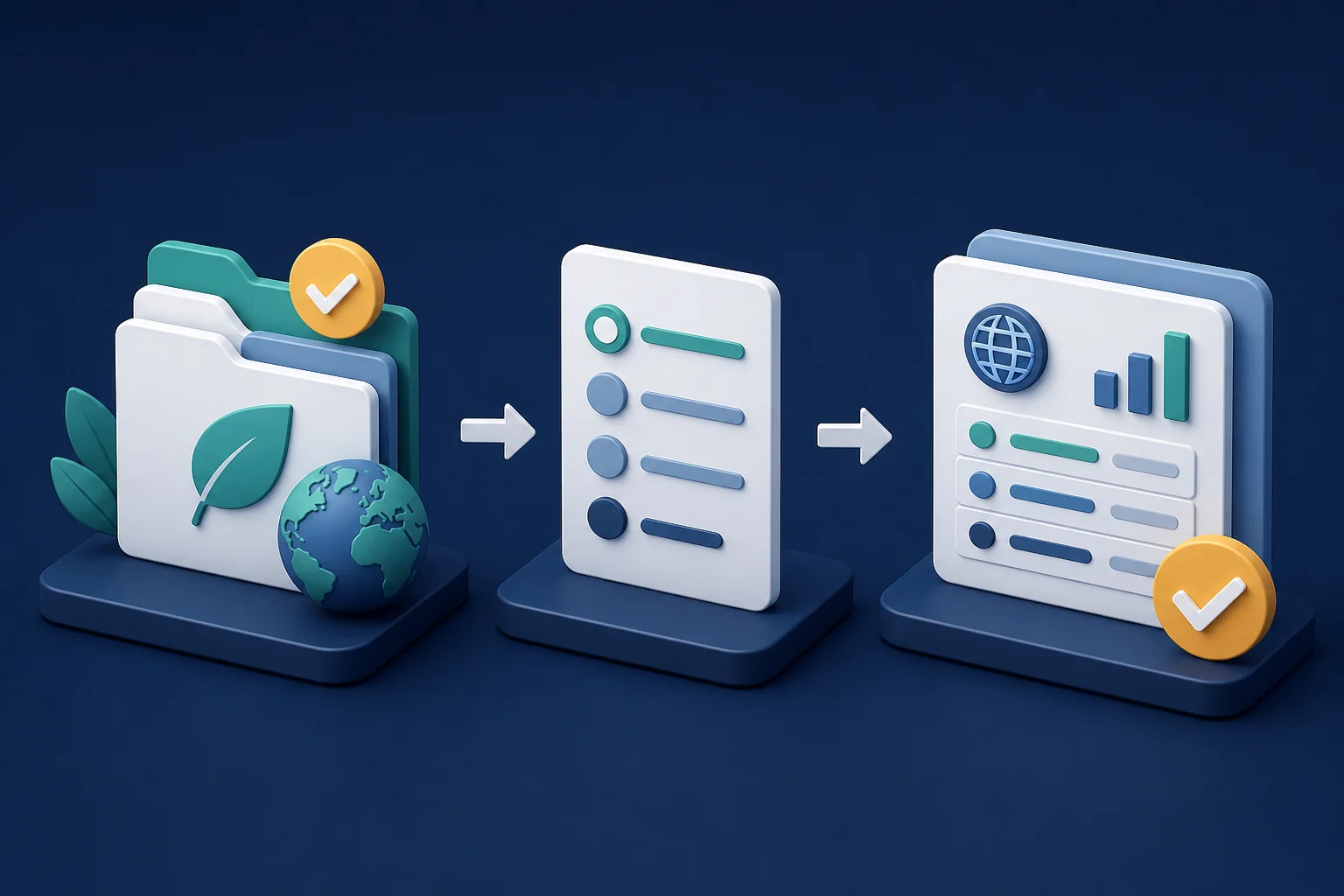
Connect approved folders.
Link the Google Drive or SharePoint locations that hold the Sustainability / ESG documents pertinent to the review.
Pick one Sustainability / ESG question.
Select the prompt that fits the reporting boundary, period, topic and approved source set.
Examine the structured result.
Compare it against authoritative environmental, finance, procurement, HR, assurance, disclosure and filing records; resolve conflicts and obtain accountable approval before use.
Define the reporting boundary before testing
A controlled trial can gauge retrieval effort, document coverage, conflicting values surfaced, reviewer acceptance and actions assigned. Document the entity, organisational and operational boundary, reporting period, units, methodology, conversion or emissions factors, source owners, version status, assurance status, confidentiality and acceptance criteria prior to testing. These are proposed evaluation measures, not promised ESG, compliance, assurance, rating or financial outcomes.
A tidy table can conceal an untidy evidence trail. If documents mix locations, periods, currencies, units, factors, estimates, targets and actuals, pause and investigate the governing source instead of merging them into a single seemingly precise result. PugID does not calculate authoritative emissions or other ESG metrics, determine materiality or compliance, validate certificates, render an assurance opinion, score a supplier, verify a public claim, file a disclosure or offer legal, accounting, engineering or investment advice.
Keep claims, access and data handling within scope
PugID says that connections are encrypted, credentials are never stored, and documents and results are not kept permanently. It further says that temporary analysis data is automatically deleted after eight hours.
Unpublished targets, emissions estimates, site-level environmental performance, supplier records, employee or diversity data, governance material, audit findings, community information and draft disclosures may be confidential, personal or commercially sensitive. Before connecting them, verify need-to-know access, classification, privacy, contractual limits, processing terms, claim and disclosure controls, legal or assurance review and retention requirements. Employ approved, minimised test data. Do not include passwords, API keys, private keys, tokens or other secrets.
Run one bounded ESG review
Start with a controlled task like an ESG KPI evidence pack, reported-emissions source summary or audit-readiness check. Connect only approved folders, define the reporting boundary and authoritative sources, compare the result against governed systems and log every exception before expanding the evaluation.