
Review IT service, asset and change documents with clear system boundaries
PugID examines Information Technology (IT) documents held in Google Drive or SharePoint. A team member selects an IT-specific question. PugID locates the relevant files and delivers a structured result derived from those documents. The IT team can then compare the result with source files and governed service-management, asset, identity, infrastructure or monitoring systems before incorporating it into an operational review or decision.
Review the documents around the operating environment
An IT review may rely on service reports, ticket exports, asset inventories, change records, incident postmortems, access-review evidence, patch summaries, backup reports, capacity plans and vendor updates. When these files are spread across different folders, reviewers must first determine the correct scope, period, owner, environment and approved version.
PugID operates at that document layer. It applies a chosen IT question to locate relevant material in connected Google Drive or SharePoint folders and produce a structured result. It does not replace ITSM, CMDB, asset, identity and access, monitoring, endpoint, network, cloud, backup, change, security, vendor or live business-intelligence systems. Current status and authorised records stay in governed systems.
Choose the IT question you need to review
The supplied catalogue contains focused questions covering service, assets, change, incidents, access and resilience.
Move from approved folders to a reviewable result
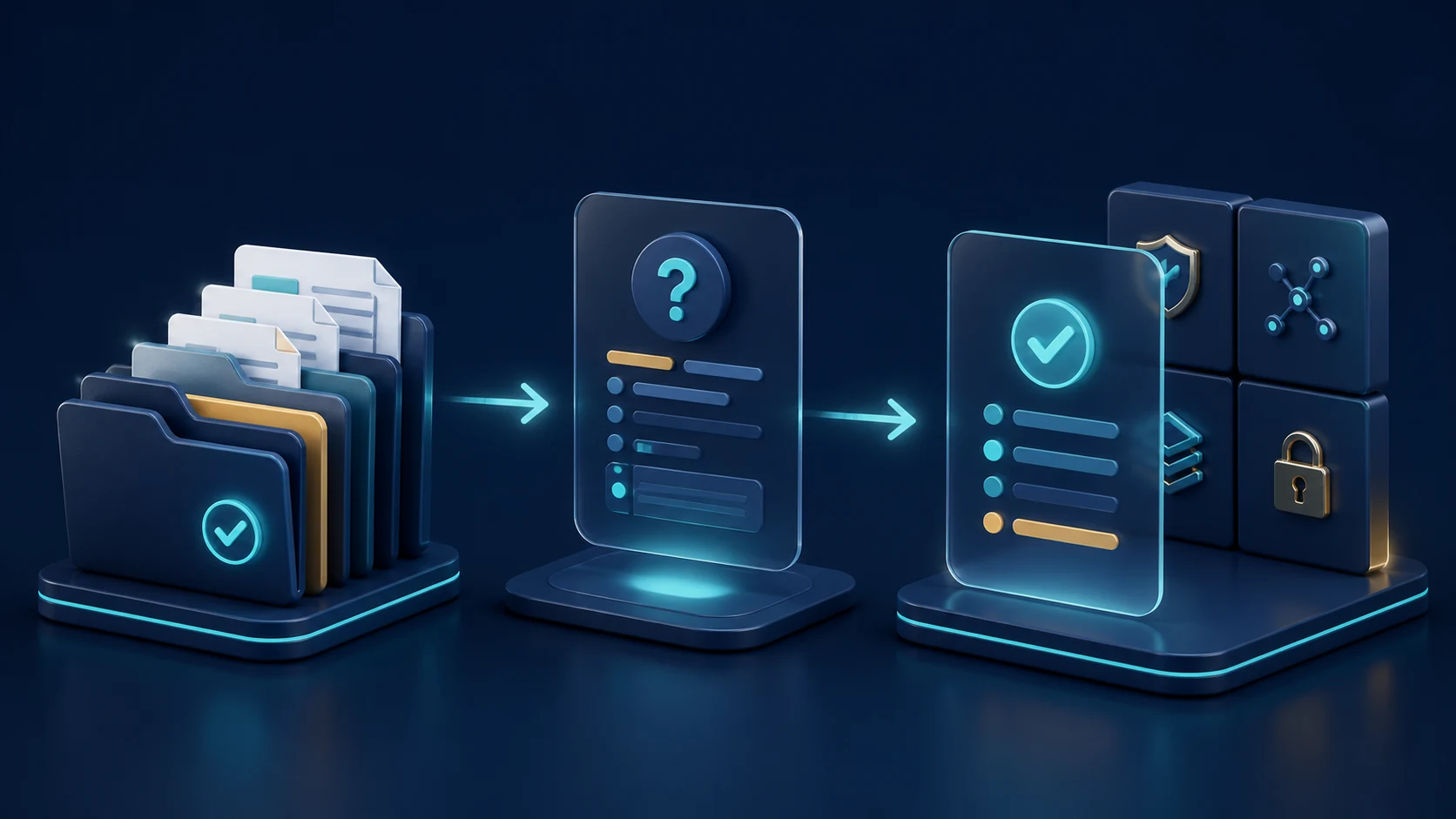
Connect approved folders.
Link the Google Drive or SharePoint locations holding the documents relevant to the IT review.
Choose one IT question.
Pick the prompt that corresponds to the service, environment, period and review task.
Review the structured result.
Compare it against source documents and governed systems, settle conflicts and obtain the required operational approval before use.
Keep source authority and operational state visible
Document analysis can assist a review, but a document may already be outdated when a service, asset, identity, configuration or incident state changes. Note the source folder, time period, environment, service owner and acceptance criteria. Verify material findings in the authoritative operational system before acting.
PugID does not change configurations, close tickets, approve access, deploy patches, restore backups, remediate incidents or assert SLA compliance. If two documents conflict, examine their owners, timestamps and approval status. Do not regard a concise result as evidence that the underlying estate is complete, current or controlled.
Keep access and data handling in scope
PugID reports that connections are encrypted, credentials are not stored, and documents and results are not retained permanently. It further notes that temporary analysis data is deleted automatically after eight hours.
Prior to connecting incident logs, access lists, configuration records, network diagrams, vulnerability material or vendor documents, verify folder permissions, contractual terms, processing details and internal policies. Use approved, minimised test data. Do not put passwords, API keys, private keys or other secrets in connected documents.
Test one bounded IT review
Start with a controlled task such as change-request status, incident corrective actions or asset-lifecycle review. Connect only approved folders, define the environment and date range, compare the result with governed systems and record exceptions before widening the evaluation.