
Review procurement documents for spend, supplier and contract decisions
PugID analyses Procurement / Purchasing documents stored in Google Drive or SharePoint. A team member selects a procurement-specific question. PugID finds the relevant files and returns a structured result derived from those documents. The procurement team can then compare the result against source files and governed purchasing systems before using it in a sourcing, supplier, contract or management review.
Consolidate procurement evidence into a single review
A procurement review may rely on spend extracts, supplier scorecards, contracts, renewal schedules, RFx packs, purchase-order logs, policy records and meeting notes. When these documents are scattered across different folders, the team must first identify the current period, approved version, supplier identity and category definition.
PugID operates at that document layer. It applies a selected Procurement / Purchasing question to identify relevant material in connected Google Drive or SharePoint folders and deliver a structured result. It does not replace ERP, procure-to-pay, sourcing, contract lifecycle management, supplier management, inventory or live business-intelligence systems. Approved suppliers, purchase orders, contracts, invoices and payments remain in governed systems.
Select the procurement question you need to review
The supplied catalogue includes focused questions for spend, suppliers, contracts, sourcing, purchase orders and policy.
Go from folders to a reviewable result
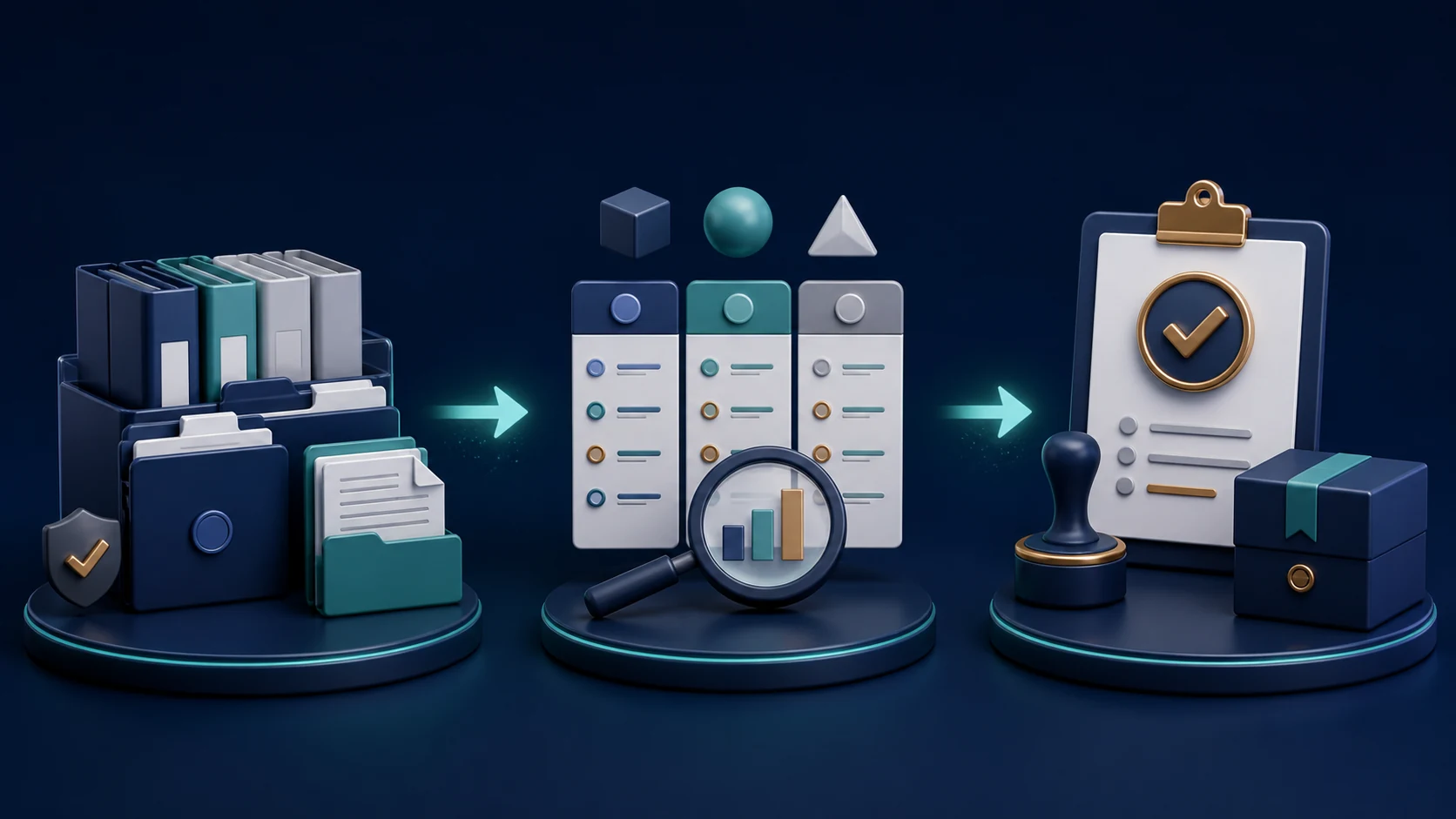
Connect approved folders.
Link the Google Drive or SharePoint locations that contain the documents relevant for the procurement review.
Choose one Procurement / Purchasing question.
Pick the prompt matching the category, supplier set, period and review task.
Examine the structured result.
Compare it against source documents and governed purchasing systems, resolve conflicts and obtain the required approval before use.
Assess the evaluation, not a promised saving
A controlled trial can gauge retrieval steps, time needed to assemble a supplier or spend review, exceptions surfaced, actions assigned and reviewer acceptance. Log the document set, period, currency, category taxonomy, supplier identifiers, reviewer and acceptance criteria prior to testing. Do not turn a sourcing opportunity or catalogue prompt into a guaranteed saving.
A price variance can seem obvious until freight, payment terms, volume tiers and currency are aligned. If two files conflict, examine source authority and approval status rather than choosing the more convenient number. A neat summary helps the review move; it does not sign the purchase order.
Keep controls, access and data handling within scope
PugID states that connections are encrypted, credentials are not stored, and documents and results are not kept permanently. It also says that temporary analysis data is removed automatically after eight hours.
Before linking supplier bank details, contracts, bids, pricing, sanctions records or personal data, verify folder permissions, contractual terms, processing details and internal policies. Use approved, minimised test data. Treat results as review material, not as supplier selection, purchase approval, contract approval, invoice match, payment instruction, sanctions decision or legal advice.
Run one bounded procurement review
Start with a controlled task such as a contract-renewal calendar, supplier-performance review or purchase-order cycle review. Connect only approved folders, define the supplier and category scope, compare the result against governed sources and record exceptions before widening the evaluation.