
Review software delivery, quality and reliability documents in a single place
PugID analyses Software Development / Engineering documents stored in Google Drive or SharePoint. A member of the team selects an engineering-specific question. PugID locates the relevant files and returns a structured result derived from those documents. The engineering team can then compare the result with source files and governed code, delivery, issue, testing, deployment or observability systems before incorporating it into a review or decision.
Review the documents underlying delivery decisions
An engineering review may rely on sprint reports, defect summaries, pull-request notes, delivery plans, postmortems, test reports, build-health updates, release notes and technical-debt registers. When these documents are dispersed across different folders, reviewers must first establish the repository, service, release, environment, reporting period and approved version.
PugID operates at that document layer. It uses a chosen engineering question to find relevant material in connected Google Drive or SharePoint folders and provide a structured result. It does not replace source control, issue tracking, CI/CD, testing, observability, incident-management, dependency, security-scanning or live business-intelligence systems. Current code, tickets, telemetry and approved delivery records stay in governed systems.
Select the engineering question you need to review
The supplied catalogue includes focused questions for delivery, quality, review flow, reliability and technical debt.
Move from approved folders to a reviewable outcome
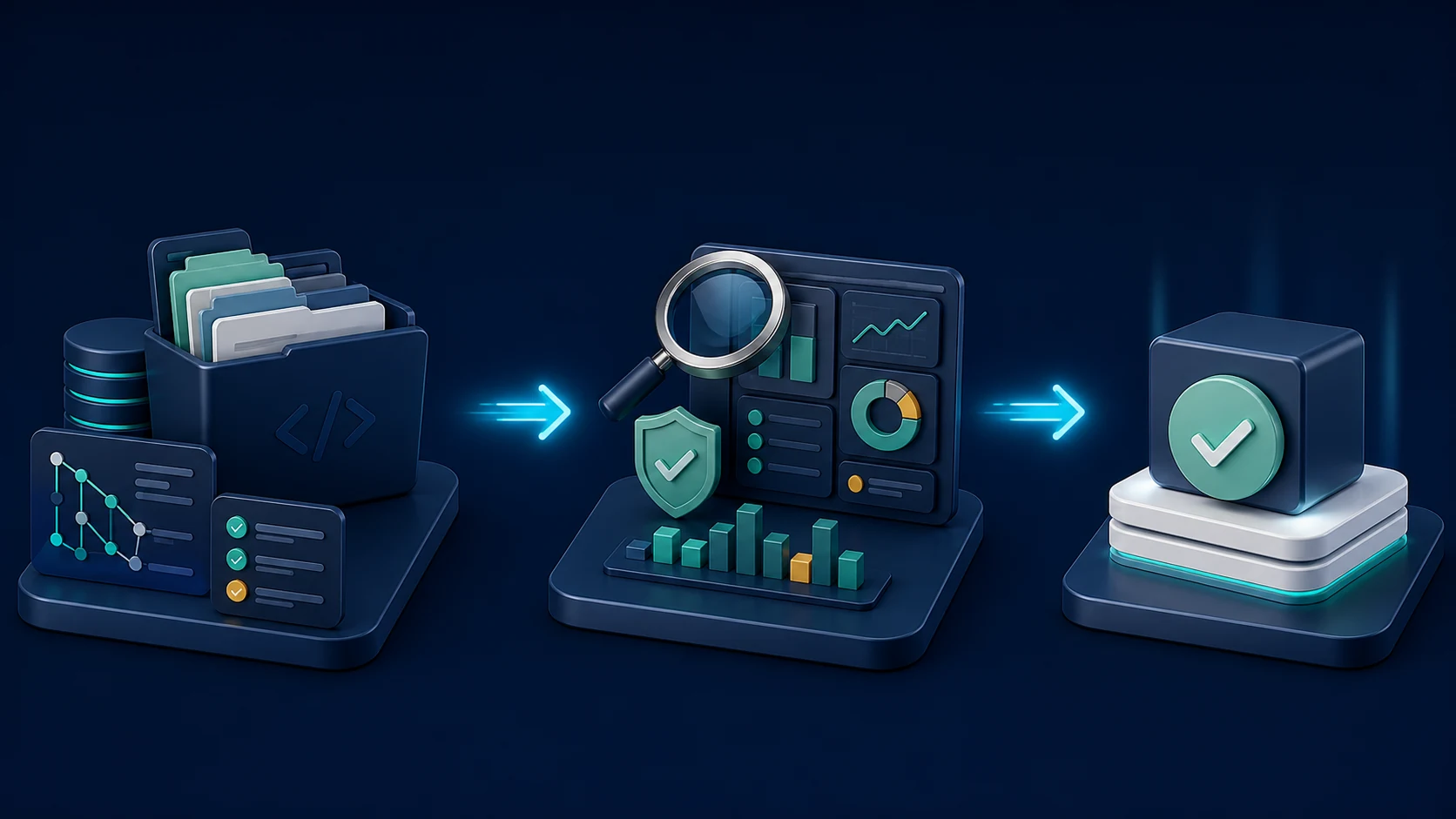
Connect approved folders.
Link the Google Drive or SharePoint locations that hold the documents pertinent to the engineering review.
Pick one engineering question.
Select the prompt that corresponds to the product, service, repository, release and reporting period.
Review the structured result.
Compare it with source documents and governed systems, resolve conflicts and secure the required operational approval before use.
Keep code, ticket and telemetry authority in view
Document analysis can support a review, but a summary may already be outdated when code, tickets, builds, deployments or incidents change. Note the repository, branch or release, service, environment, reporting period, source owner and acceptance criteria. Confirm material findings in the authoritative engineering system before acting.
PugID does not merge code, approve pull requests, change tickets, trigger builds, deploy releases, run tests, remediate incidents or assert that a release is ready. If two documents conflict, investigate their timestamps, scope and approval status. A clean summary should refer back to engineering evidence, not float above it.
Keep source access and data handling within scope
PugID states that connections are encrypted, credentials are not stored, and documents and results are not retained permanently. It also states that temporary analysis data is removed automatically after eight hours.
Before connecting postmortems, architecture notes, vulnerability material, customer-impact reports or release documents, verify folder permissions, contractual terms, processing details and internal policies. Use approved, minimised test data. Do not put passwords, API keys, private keys, tokens or other secrets in connected documents.
Run one bounded engineering review
Start with a controlled task such as sprint carryover, code-review blockers or release-note preparation. Connect only approved folders, specify the repository, release and date range, compare the result against governed systems and record exceptions before widening the evaluation.